Build your off-screen Control Center.
Clarity Board turns your goals, your active work, and your actual week into something you can see — on paper, on your desk or wall, moved around with sticky notes instead of buried in another app.
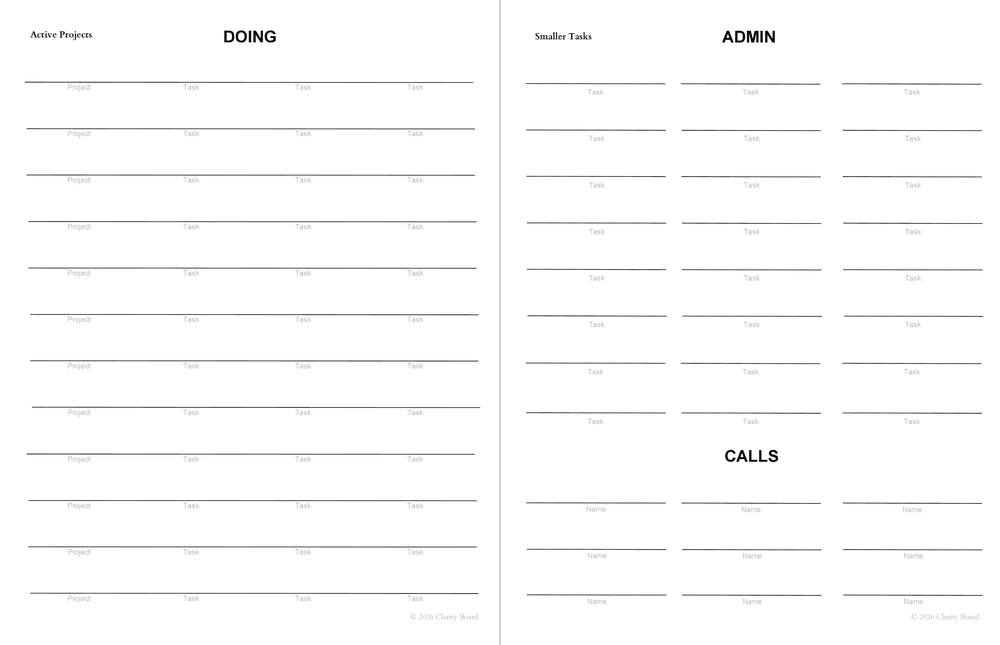
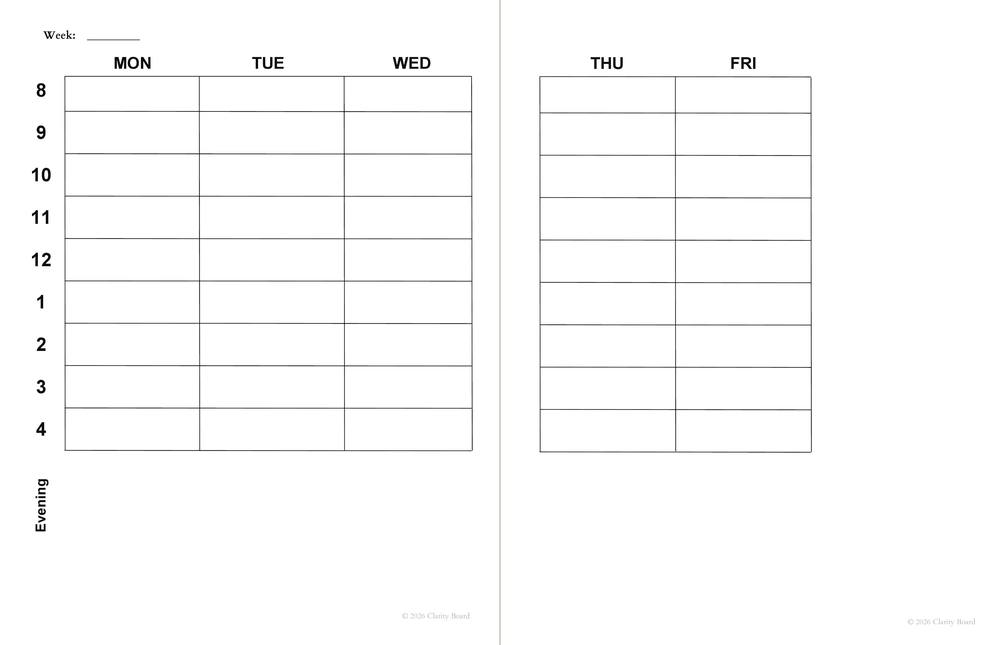
Most planning tools ask you to open an app, log in, and dig through menus just to see what's on your plate. The books are the opposite: open one, and the whole picture is right there.
Your goals, active projects, and weekly schedule are on the page in front of you — not one more tab you forgot to check.
Mini sticky notes hold your tasks, so priorities shift without redrawing a single grid. Write once, move as often as you need.
No login, no sync errors, no notifications. Just three books, a handful of sticky notes, and a pen.
Each book stands on its own, and all three are designed to work together as one off-screen Control Center. Available now on Amazon.
Inside the book
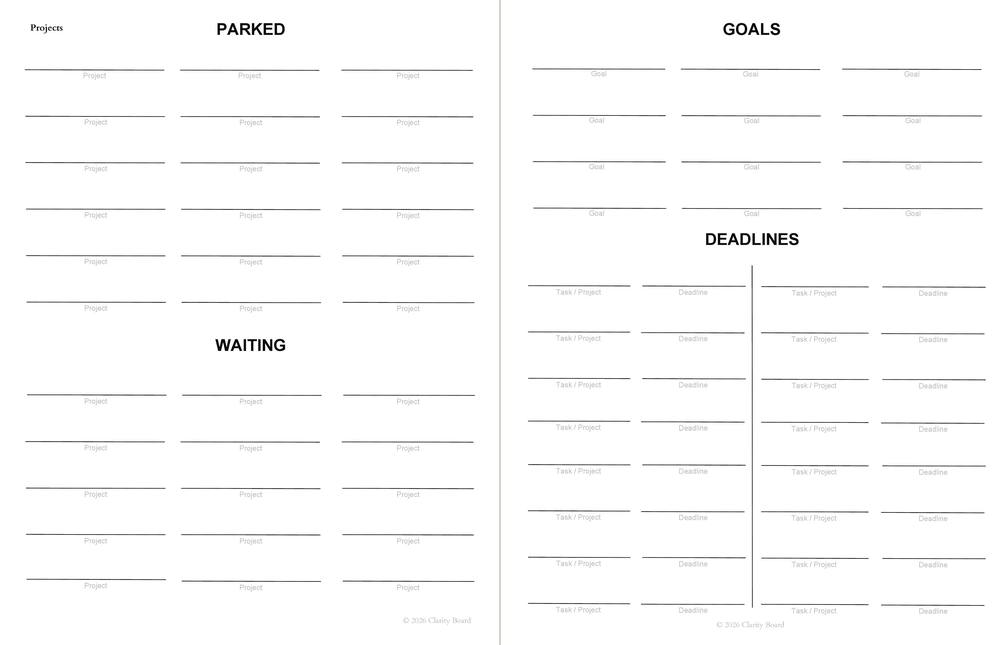
Longer-term priorities, commitments, and future work — visible and manageable.
Inside the book
Your active work, tracked and moving forward, one page at a time.
Inside the book
A 13-week visual planning system for what you're actually doing this week.
Pick up to four sticky note colors and give each one a meaning. Projects carry one color from Parked in Book 1, to Doing in Book 2, to Deskwork on the calendar in Book 3 — same for Goals & Deadlines. Admin and Calls get their own colors inside Books 2 and 3. Glance at any note and you instantly know what it is and what stage it's in.
No laminating, no cutting, no assembly. Just three books and a few supplies you likely already have.
Goals & Planning, Workflow, and Calendar. Each one works on its own, but together they're the full off-screen Control Center.
See the books ↓0.6" × 2" (15 × 50mm), in up to 4 colors. These hold your tasks and move between books as work changes.
Shop the sticky notes we recommend →Lay a book open beside you, secure it flat with large paper clips or binder clips, or clip it open on a bulletin board.
I built Clarity Board because I was drowning in apps, tabs, and notifications, and none of them gave me a plan I could actually see. Splitting the system into three books — what matters, what's active, and what's happening this week — was the fix. Now it lives on my desk instead of behind a lock screen.
See the booksGet all three Clarity Board books and build a planning system you can actually see.